Translations:E-mail password/4/en
No ''Hostnet Wiki''
- Go to Your webmail account: mail.domain.com or webmail.domain.com.
- Log in to your email account.
-
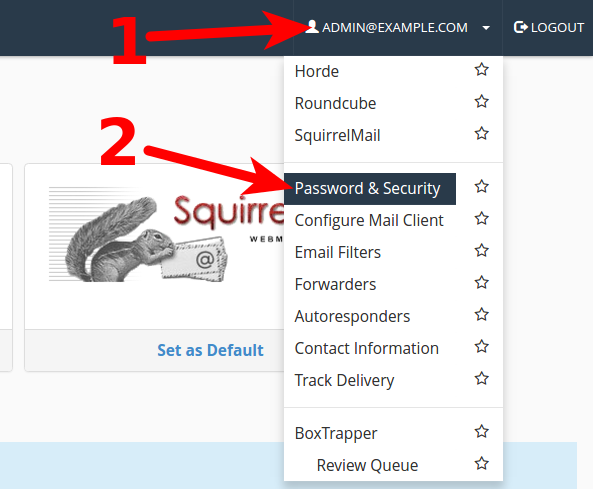
- 1) Click on your email to open menu.
- 2) Choose "Password & Security"
-
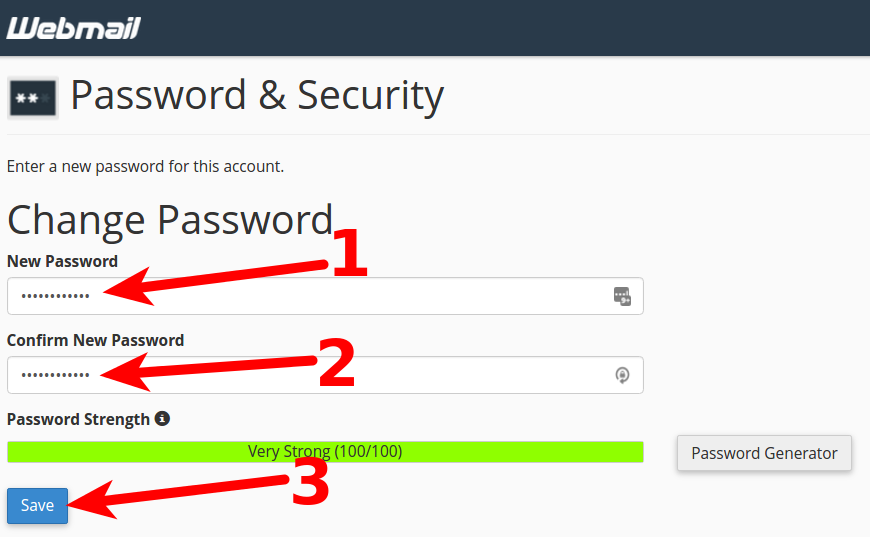
- 1) In area: New password type new password.
- 2) In next arrea: Confirm New Password type new password once again.
- 3) Click on Save, to save new password.